You can automate powerful workflows by running n8n with Docker Compose. In this guide, we’ll walk through how to launch and manage n8n with Docker Compose efficiently.
Table of Contents
1. Organize Your Project Structure
First, let’s get the right folder structure:
text/mnt/Ackerman/n8n/
├── .env
├── compose.yaml
├── n8n_data/
├── pg_data/
├── local-files/
├── secrets/
│   └── n8n_postgres_password
Tip: This structure lets you keep your configuration, data, and secrets tidy. It also makes backups easy!
2. Prepare Your Environment Variables (.env)
Create a .env file with these settings:
GENERIC_TIMEZONE=Asia/Kolkata
N8N_HOST=n8n.example.com
N8N_PROTOCOL=http
N8N_SECURE_COOKIE=false
WEBHOOK_URL=http://n8n.example.com/

UID=950
GID=950
DB_TYPE=postgresdb
DB_POSTGRESDB_HOST=postgres
DB_POSTGRESDB_PORT=5432
DB_POSTGRESDB_DATABASE=n8n
DB_POSTGRESDB_USER=n8n_user
# Password stored securely via Docker secrets!
Why?
- Timezones and URLs let n8n’s webhooks work with your location.
- Encryption Key keeps sensitive data safe.
- DB settings and UID/GID keep permissions and access correct.
3. Write Your compose.yaml
Here’s a compose.yaml using best practices (like Docker secrets for passwords):
version: "3.8"

services:
  n8n:
    image: n8nio/n8n:1.48.1
    restart: always
    env_file: .env
    ports:
      - "5678:5678"
    secrets:
      - n8n_postgres_password
    environment:
      - DB_POSTGRESDB_PASSWORD_FILE=/run/secrets/n8n_postgres_password
    volumes:
      - ./n8n_data:/home/node/.n8n
      - ./local-files:/files
    depends_on:
      - postgres

  postgres:
    image: postgres:15
    user: "${UID}:${GID}"
    restart: always
    environment:
      - POSTGRES_DB=${DB_POSTGRESDB_DATABASE}
      - POSTGRES_USER=${DB_POSTGRESDB_USER}
      - POSTGRES_PASSWORD_FILE=/run/secrets/n8n_postgres_password
    secrets:
      - n8n_postgres_password
    volumes:
      - ./pg_data:/var/lib/postgresql/data

secrets:
  n8n_postgres_password:
    file: ./secrets/n8n_postgres_password
What’s Good Here?
- Passwords aren’t in your
.envor code—they’re stored in a file insecrets/. - Your data is stored on disk—safe from container wipes.
- The Postgres user/group matches your UID/GID for permission compatibility.
4. Set Secure File Permissions
Your n8n_data folder currently has a different owner (1000:1000). This might cause permissions errors.
Actionable Fix:
sudo chown -R 950:950 n8n_data
- This makes sure n8n (running as UID 950 and GID 950) can read and write its data.
- Do the same for other persistent data folders if needed (like
pg_data).
5. Create Your Secret Password File
Create the password file for Postgres:
echo 'YourStrongPassword' > secrets/n8n_postgres_password
chmod 600 secrets/n8n_postgres_password
Tip: Use a strong password—this keeps your data safe.
6. Start Everything Up
Inside your /mnt/Ackerman/n8n/ directory, run:
docker compose up -d- The first start can take a minute—Postgres initializes its database, and n8n sets up its storage.
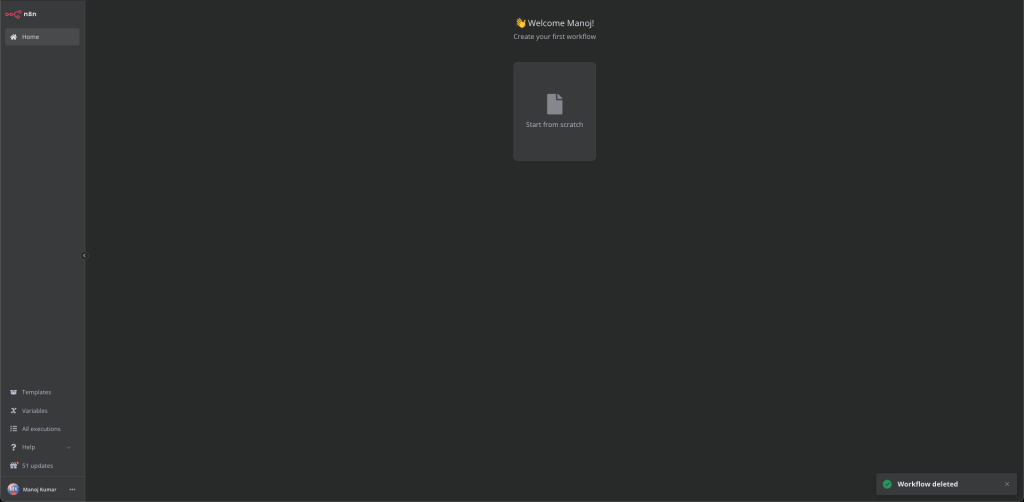
7. Access n8n
Open your browser and go to:
http://n8n.example.com:5678
If you’re just using your local network, you can also use your server’s IP and port 5678.
Pro Tips
- Back Up: Regularly back up
n8n_dataandpg_data. - Updates: Occasionally pull newer images with
docker compose pulland restart (after reading release notes)! - Security: For public deployments, consider using HTTPS (with a reverse proxy like Traefik or Nginx).
Example: Troubleshooting File Permissions
Let’s say the n8n container logs show “permission denied” errors for writing to /home/node/.n8n. That usually means the folder owner isn’t set correctly.
How to Fix:
- Stop the containers:
docker compose down - Run:
sudo chown -R 950:950 n8n_data - Sometime this will not work and you need to change the owner of
n8n_datafrom 950 to 1000 and the final command will besudo chown -R 1000:1000 n8n_datathe reason we need to do that because node use this permission to run. - Restart:
docker compose up -d
That should resolve any access issues—n8n will now manage its files smoothly.
You’re all set! With these steps, you’re running a robust, secure, and maintainable n8n containerized deployment. Enjoy automating!