When working with Kubernetes, you’ll often hear about Docker and Containerd as container runtimes. Both play a role in running and managing containers, but they serve different purposes. Understanding their differences will help you choose the right runtime for your Kubernetes stack.
Table of Contents
Background: Kubernetes and Container Runtimes
- In the early days, Kubernetes only supported Docker as its container runtime.
- Over time, other runtimes like rkt, CRI-O, and Containerd emerged.
- To support multiple runtimes, Kubernetes introduced the Container Runtime Interface (CRI).
- CRI allows Kubernetes to work with any container runtime that implements its standards.
The Three Core OCI (Open Container Initiative) Standards
- Runtime Spec – Defines how to run a container.
- Image Spec – Defines how to package container images.
- Distribution Spec – Defines how to distribute container images.
Kubelet, the Kubernetes node agent, communicates with the container runtime via CRI to handle container operations.
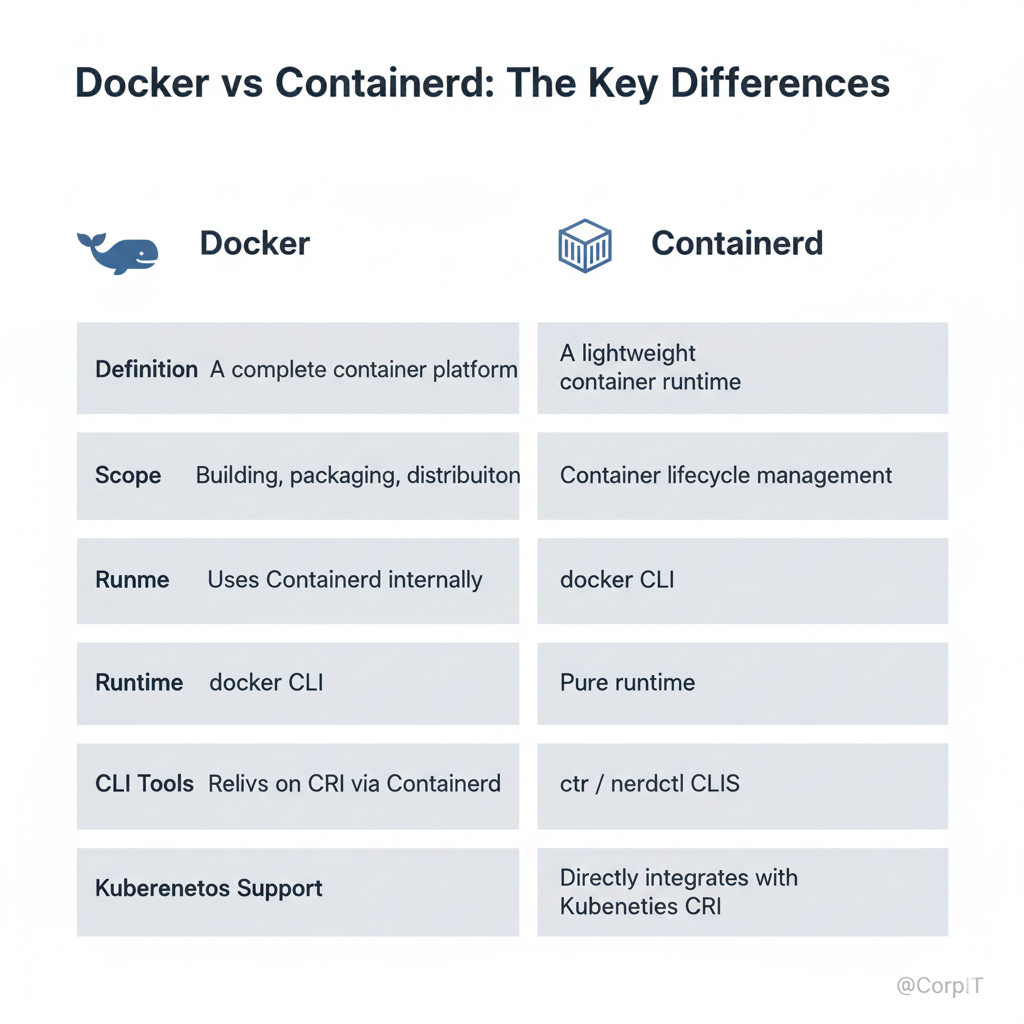
Docker vs Containerd: The Key Differences
| Feature | Docker | Containerd |
|---|---|---|
| Definition | A complete container platform for developers and sysadmins. | A lightweight container runtime focusing only on running containers. |
| Scope | Provides tools for building, packaging, distributing, and running containers. | Focused on container lifecycle management (pulling images, running, and deleting containers). |
| Runtime | Uses Containerd internally as the runtime. | Pure runtime, no developer-facing features. |
| CLI Tools | docker CLI for container management. | ctr (low-level, not user-friendly), or nerdctl (Docker-like CLI). |
| Kubernetes Support | Initially supported directly, now relies on CRI via Containerd or CRI-O. | Directly integrates with Kubernetes CRI. |
Managing Containers with Different Tools
- Docker CLI (
docker) – Full-featured CLI for developers. - Containerd CLI (
ctr) – Low-level CLI, mainly for debugging. - nerdctl – Docker-compatible CLI for Containerd (supports
docker run,docker compose, etc.). - crictl – Kubernetes CRI-compatible CLI for interacting with runtimes directly.
Why Choose Containerd Over Docker in Kubernetes?
- Lightweight & efficient – Containerd removes extra layers that Kubernetes doesn’t need from Docker.
- Direct CRI support – Containerd integrates seamlessly with Kubernetes CRI.
- Future-proof – Kubernetes has deprecated Docker runtime support in favor of CRI-compatible runtimes like Containerd and CRI-O.
Frequently Asked Questions (FAQs) About Docker vs Containerd
Kubernetes deprecated direct Docker runtime support, but you can still use Docker as a developer tool. Kubernetes now relies on runtimes like Containerd or CRI-O via CRI.
No. Docker is a full container platform, while Containerd is just a runtime. For Kubernetes, Containerd is often preferred because it’s lightweight and integrates directly with CRI.
Nerdctl is a Docker-compatible CLI tool for Containerd. It supports common Docker commands and even Docker Compose, making the transition from Docker easier.
crictl is a CLI tool to interact directly with Kubernetes CRI-compatible runtimes like Containerd or CRI-O. It’s mostly used for troubleshooting Kubernetes nodes.
For production, Containerd or CRI-O is recommended since they integrate directly with Kubernetes. Docker can still be used for local development.
Docker vs Containerd: Choosing the Right Kubernetes Runtime
Conclusion
Both Docker and Containerd are critical components of the container ecosystem, but they serve different purposes. Docker provides an all-in-one platform for building, packaging, and running containers, making it great for developers. On the other hand, Containerd is a lean runtime designed specifically for efficiency and direct integration with Kubernetes.
If you’re working with Kubernetes in production, Containerd (or CRI-O) is the preferred choice due to its lightweight design and CRI compatibility. However, Docker remains an excellent tool for local development and application building.