Every computer user interacts with files daily—whether downloading a movie, saving a document, or sharing photos. But behind the scenes, a file system is at work, making sure your files are stored, organized, and retrieved properly.
In this article, we’ll break down what a file system is, how it works, and introduce some of the most popular file systems used today.
Table of Contents
What is a File System?
It is a method used by an operating system (OS) to organize and manage files on a storage device.
It handles:
- Reading and writing files
- Storing data across sectors of a drive
- Organizing files into directories (Linux) or folders (Windows)
- Mapping file locations so data can be retrieved efficiently
Without this, your computer wouldn’t know how to store or find data—it would just see raw blocks of information.
Why File Systems Matter
They are essential because they:
- Help organize data into files and folders
- Allow multiple file operations like copy, move, and delete
- Manage available storage space efficiently
- Enable cross-platform file sharing and compatibility
Examples of Popular File Systems
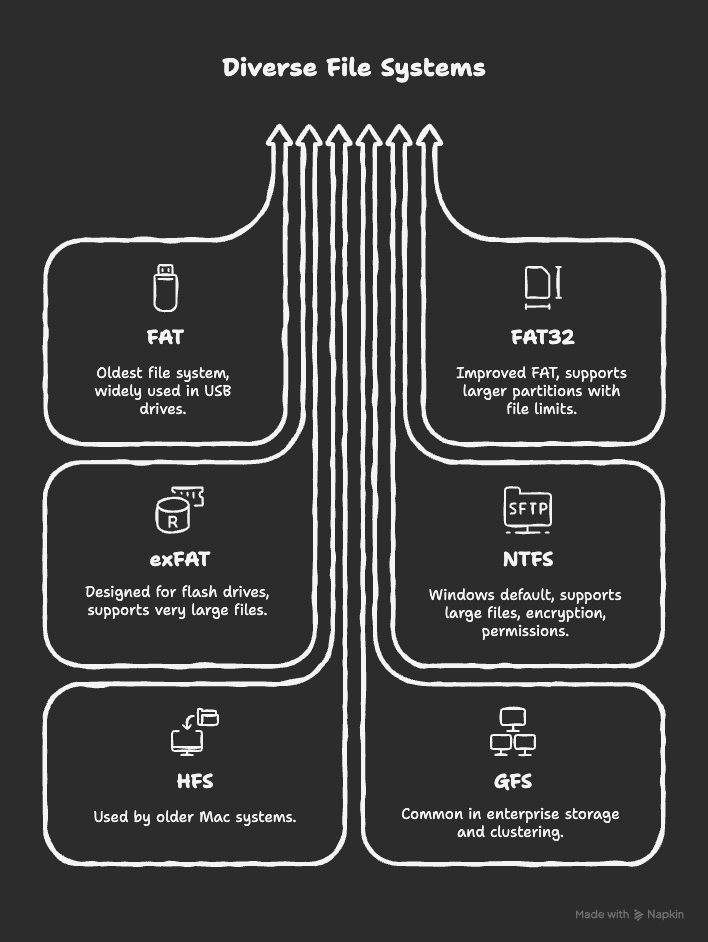
- FAT (File Allocation Table) – One of the oldest file systems, used widely in USB drives.
- FAT32 – Improved FAT version, supports larger partitions but with file size limits.
- exFAT – Designed for flash drives and SD cards, supports very large files.
- NTFS (New Technology File System) – Default for Windows systems, supports large files, encryption, and permissions.
- HFS (Hierarchical File System) – Used by older Mac systems.
- GFS (Global File System) – Common in enterprise storage and clustering.
FAQs About File Systems
It organizes and manages how data is stored, accessed, and retrieved on a storage device.
NTFS is the most common for Windows due to its advanced features like encryption and security.
FAT32 supports up to 4GB file sizes, while exFAT supports much larger files and is better for modern storage devices.
Not always. Windows typically uses NTFS, while Linux uses file systems like ext4. However, both support FAT/exFAT for compatibility.
Yes, but reformatting a drive to a new file system will erase all existing data. Always back up before changing file systems.
Conclusion
It is the backbone of how computers manage files and data. From storing documents to running applications, it ensures everything is properly saved and easily retrieved.
- Windows users often rely on NTFS.
- Mac and Linux users have their own systems, but compatibility options like exFAT make file sharing easier.
👉 In simple terms, without file systems, computers wouldn’t be able to organize, store, or find data effectively. They’re the unsung heroes of modern computing.